By default, when you enable automation on a project board, the overall progress of the project is tracked in a progress bar.
When project board automation is enabled, a progress bar appears above the project board, on the project listing page, in the issue sidebar and in references to the project on other project boards.
Disabling project progress tracking for a repository project board
On GitHub, navigate to the main page of the repository.
Under your repository name, click Projects.

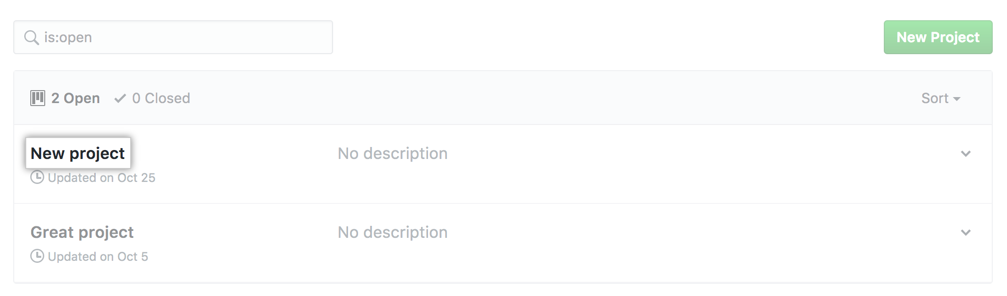
In the projects list, click the name of the project board.
On the top-right side of the project board, click Menu.
Click , then click Settings.

Unselect Track project progress.
Disabling project progress tracking for an organization-wide project board
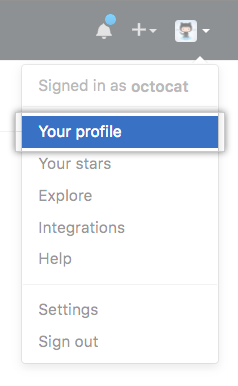
In the top right corner of GitHub, click your profile photo, then click Your profile.
On the left side of your profile page, under "Organizations", click the icon for your organization.

Under your organization name, click Projects.

In the projects list, click the name of the project board.
On the top-right side of the project board, click Menu.
Click , then click Settings.
Unselect Track project progress.
