Trying to find what you're looking for in the millions of repositories, users, and lines of code on GitHub can be pretty daunting. Thankfully, we have come up with several ways for you to Find all the Things with GitHub Search.
Find all the Things
GitHub Search is powered by the Command Bar. You can type in anything you are looking for and get highlighted results that match your search criteria. You can also refine your search results by clicking on one of the languages or repositories listed in the sidebar to drill down to only those results.
Under the hood, Search is an ElasticSearch cluster that live-indexes your code as soon as you push it up to GitHub. Search results are returned from public repositories, as well as any private repositories that you can access.
To ensure better relevancy, we're fairly conservative in what we add to the search index. For example, repository forks will not be searchable unless the fork has more stars than the parent repository.
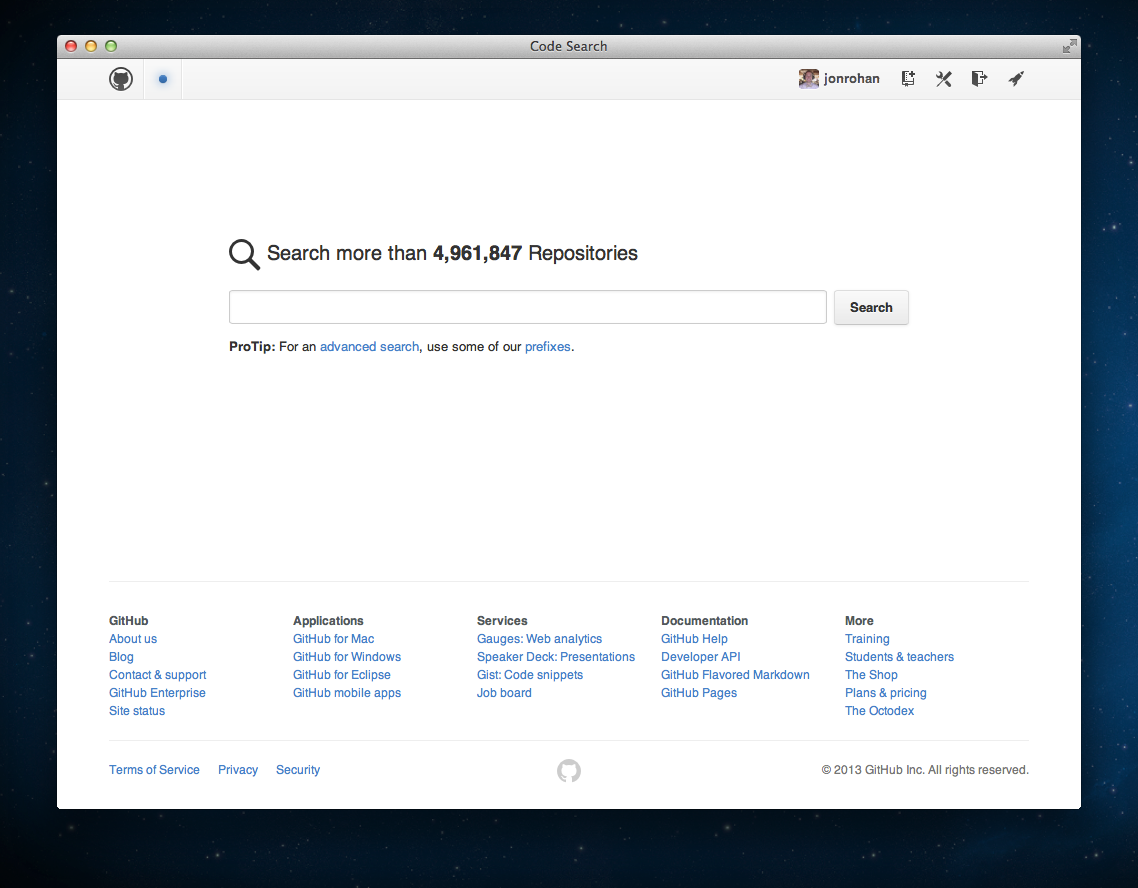
Types of Searches
Repositories
Each repository result shows the repository activity in the background. This helps you scan the results for more active repositories. These results include your private repositories.
When you perform a search that has more than one page of results, you can sort those results to find just what you're looking for.
For more help searching for awesome repositories, check out "Searching Repositories."
Issues
Issues search let you browse the issues of all public repositories and the private repositories you have access to. You can restrict the search results to a single organization, or you can show only those issues assigned to a single user.
For more help searching for troublesome issues, check out "Searching Issues."
Code
Code search lets you explore public repositories (and private repositories you can access) with the following parameters:
- Line numbers in results
- Code syntax highlighting
- Last indexed time
- Search by file extensions
- Search by path
- Limit by owner or project
For more help searching for radical code, check out "Searching Code."
Users
The user results page contains everything you need: accurate results, and the ability to follow users directly from those results.
For more help searching for amazing people, check out "Searching Users."
Sorting results
By default, we sort by "best match," but you can have several choices after that for each specific search type. For example, for repositories, you can also choose to sort by Star and Fork counts; for issues, you can sort by the date it was created or updated.
For a complete list of sort options, refer to the help article for each individual search type.
Potential timeouts
Some queries are computationally expensive for our search infrastructure to execute. To keep search fast for everyone, we limit how long any individual query can run. In rare situations when a query exceeds the time limit, search returns all matches that were found prior to the timeout and informs you that such a timeout happened:

Reaching a timeout does not necessarily mean that search results are incomplete. It just means that the query was discontinued before it searched through all possible data. More results might have been found, but also might not.
