Collaborators are used to manage access to repositories owned by a personal account. To remove a user's access to a repository owned by an organization (or a fork of a private repository owned by an organization), see this guide.
- Open the repository's page on GitHub
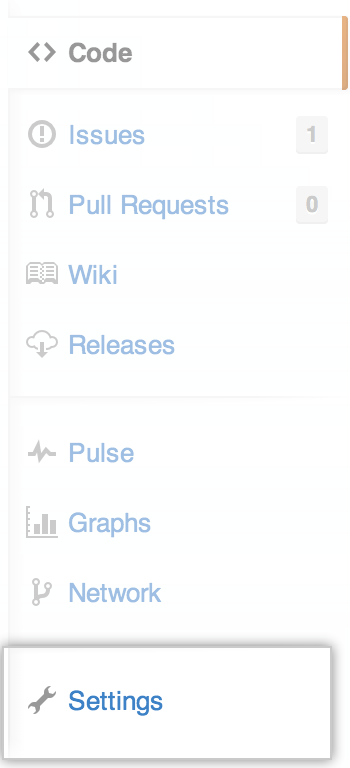
- Click Settings
- Click the Collaborators tab

- Click the red remove link near the collaborator you want to remove

